Bikelife Poland Controls Guide
Master riding actions, gears, wheelies, and camera—then confirm binds in Settings.
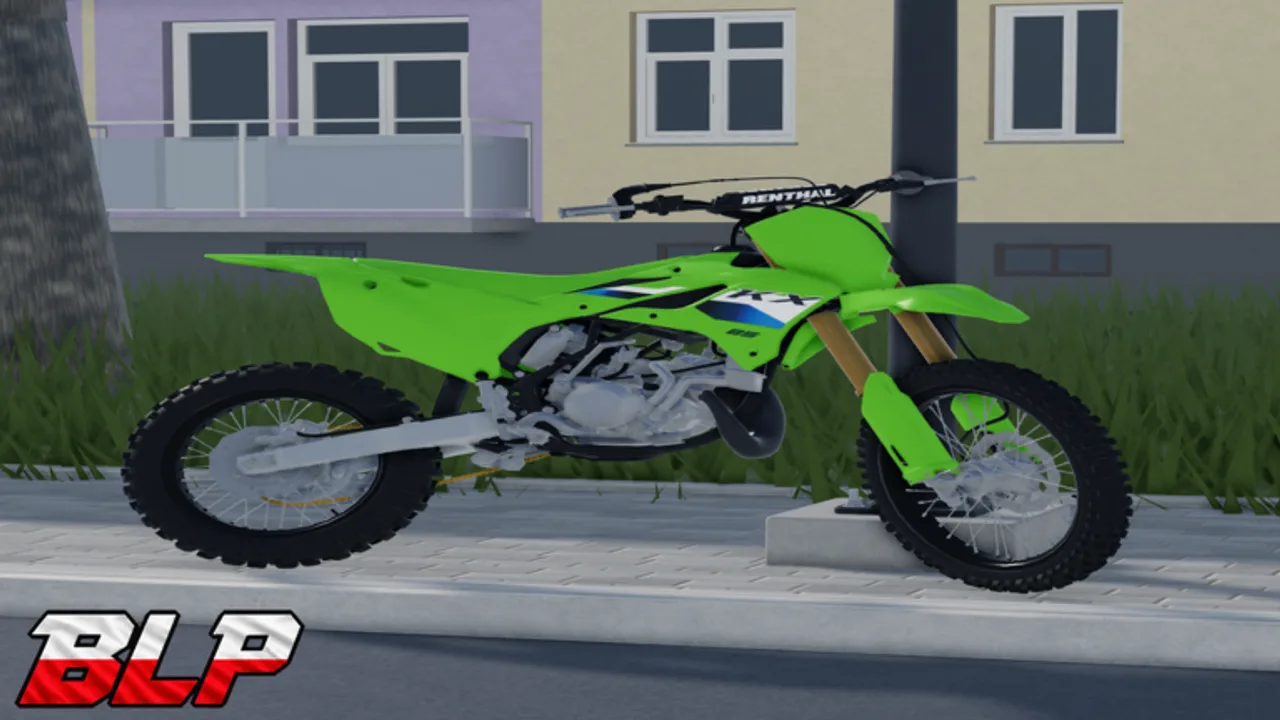
Good control habits matter more in Bikelife Poland than raw bike power. The open Polish town, forest trails, and delivery routes punish panic steering and reward smooth throttle, clean gear changes, and deliberate camera work. This guide explains the actions every rider must understand on PC, Console, and Mobile, and it refuses to invent precise keybinds that can change after a Roblox patch.
After every client or experience update, open Settings → controls and confirm your layout before a timed parcel.
Platforms at a glance
| Platform | Input surface | What to verify |
|---|---|---|
| PC | Keyboard + mouse | Throttle, steer, brake, shift, wheelie, phone (often P), camera |
| Console | Controller | Triggers for throttle/brake, stick steer, face-button wheelie/shift, phone menu |
| Mobile | Touch | On-screen throttle/steer zones, wheelie button, phone icon reachability |
Bikelife Poland officially lists PC, Console, and Mobile support. If a bind feels wrong after a join, it is almost always a Settings issue — not a broken bike.
Core riding actions
Throttle and steering
Throttle builds speed; steering aims the bike through town streets, field cut-throughs, and forest lines. Feed power progressively out of corners instead of slamming full throttle on loose dirt. On asphalt near shops and gas stations, small steering corrections keep deliveries tidy.
Braking
Brake early near drop-offs, pedestrians, and other riders. Hard late braking throws the bike offline and can chew time on parcel timers. Braking early also reduces slapstick crashes that show fender damage visuals after hard hits.
Gears
Dirt and enduro bikes in the 30+ roster — from Yamaha DT 50 and YZ 85 up through KTM and Husqvarna 450 class, Surrons, and Stark Varg — reward riding in the right gear. Shift up when the engine screams without speed; shift down before climbs and tight village corners. Electric bikes still ask you to manage power delivery even when a traditional gearbox feel differs.
Wheelie control
Wheelie input (whatever your current bind is) lifts the front. Balance is a conversation between throttle, lean, and patience — not a single panic tap. Practice on quiet town roads before forest whoops. Scoreboard chasing belongs in Wheelie Tips; here, just make sure the action is bound and reachable without dropping steering accuracy.
Camera
Third-person is default for most delivery work. First-person and alternate camera modes help when you learn new trail lines or want cinematic garage showcases. Some players enable stretch resolution or alternate FOV options when available — always toggle them in Settings, then take a low-stakes food run before a high-value parcel.
Phone and menu actions
The Phone is not optional UI fluff. It hosts jobs, settings, and Codes. On PC, P is the commonly reported open shortcut; on other platforms use the on-screen phone control. Inside the phone you will find pathways described in How to Redeem Codes and Jobs & Deliveries.
Also learn where Bike, Garage, Helmet, Shop, and Dealer entries live so customization sessions do not strand you mid-route.
Settings hygiene after patches
- Rejoin the official place from Links.
- Open Settings immediately.
- Confirm throttle, brake, shift, wheelie, camera, and phone.
- Take a one-minute parking-lot figure-eight.
- Only then accept a parcel.
This five-step habit saves more złoty than any cosmetic.
Bike feel versus control skill
A KO 150 or DT 50 forgives sloppy inputs while you learn. Jumping straight to a 450 without control discipline wastes Cash and time. Use Best Starter Bikes and Motocross & Enduro Tier to match machine aggression to your current hands.
Realistic suspension and landings are part of the fantasy — fight the urge to hold full throttle over every crest until you can land straight.
Delivery-specific control tips
- Approach drop pins upright, not mid-wheelie.
- Downshift before tight courtyard turns common in town jobs.
- Keep two fingers (or triggers) ready to brake when AI traffic or other players cut across.
- On mobile, enlarge reachable controls if your skin makes the wheelie button too easy to fat-finger during steering.
Practice drills (10 minutes)
- Straight-line throttle roll-ons without weaving.
- Three clean gear change uphill pulls.
- Ten short wheelie balances on an empty road (Wheelie Tips).
- One food delivery focusing only on smooth inputs.
- One parcel at normal pace.
Related progression pages
Pair this guide with Getting Started, Earn Money, and Fuel & Charging. When controls feel invisible, you are ready to optimize Cash and garage style instead of surviving each corner.
Master the actions, verify the binds, and let the Polish map feel readable instead of chaotic.
Frequently Asked Questions
Quick answers about codes, bikes, jobs, and riding in Bikelife Poland.
What are the exact keybinds for Bikelife Poland?
Exact binds can change between updates. Open Settings → controls in-game and confirm throttle, steer, gears, wheelie, and camera for your platform.
Does Bikelife Poland support Console and Mobile?
Yes. The experience supports PC, Console, and Mobile. Each platform uses a different input surface, so always verify controls in Settings after joining.
How do I open the phone for codes and jobs?
On PC many players use P; on Console and Mobile use the on-screen phone control. Codes live under Phone → Settings.
Why does my bike feel uncontrollable?
Check gear selection, throttle smoothness, and whether you jumped to a high-power bike too early. Lower displacement starters are better trainers.